AlienGlide: Control Mac Volume, Brightness and Media From Your Trackpad Edges
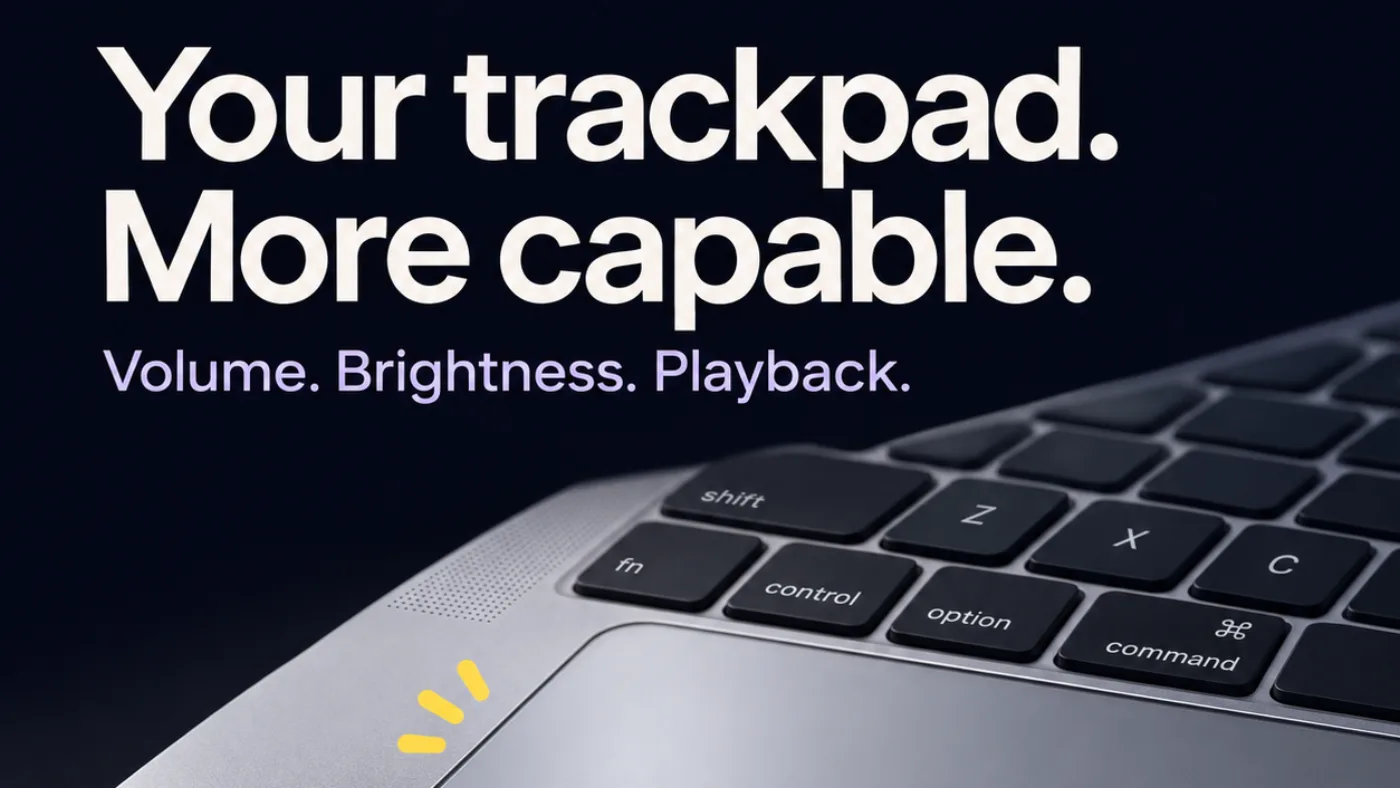
AlienGlide is a free, native macOS menu-bar app that turns your MacBook trackpad edges and corners into volume, brightness, video seeking and one-click shortcuts. Here is what it does, how to set it up, and the engineering decisions behind it.
On this page
TL;DR - AlienGlide is a free macOS menu-bar app I designed and built. Click and glide along the left edge of your trackpad to change volume, the right edge for brightness, the bottom edge to seek videos and music, and click a corner to open an app, a website or an Apple Shortcut. It's fully native, weighs about 3.7 MB, and has no account, no ads and no tracking.
Your MacBook trackpad is the best input device on any laptop - and most of us use only the middle of it. Changing the volume means reaching for the function row. Scrubbing a YouTube video means hunting for a thin progress bar. The edges, right under your fingers, do nothing special.
AlienGlide fixes that. It quietly lives in your menu bar and turns the edges and corners of your trackpad into precise controls, while everything else about your trackpad keeps working exactly as before.

What AlienGlide does
| Trackpad zone | Gesture | What happens |
|---|---|---|
| Left edge | Click, hold and glide up/down | Smoothly raise or lower the system volume |
| Right edge | Click, hold and glide up/down | Adjust your MacBook display brightness |
| Bottom edge | Click, hold, glide and release | Seek the video or song that's playing - preview first, then commit |
| Corners | Click | Open an app, file, folder or website, run a Shortcut, or mute |
Every gesture starts with a real click. Resting your palm, scrolling or typing never triggers anything - AlienGlide only responds when you deliberately press inside an edge or corner you've enabled.
Why I built it
I wanted volume and brightness to feel like a physical slider, and I wanted to scrub videos without aiming at a tiny timeline. Existing tools were either heavy, subscription-based, or felt like they were fighting macOS instead of belonging to it.
So I set a few hard rules before writing anything:
- Native, not a web app in disguise. No Electron, no browser engine running in the background.
- Zero cost when idle. A menu-bar utility runs all day, so it should do nothing at all until you touch an edge.
- Never break the trackpad. Ordinary clicks, drags, scrolling and multi-finger gestures must pass through untouched.
- Private by default. No accounts, no analytics, no network traffic.
- Honest. If something isn't supported on your Mac, the app says so instead of half-working.
How to control Mac volume and brightness from the trackpad
- Place a finger near the left edge of the trackpad.
- Click and keep holding the press.
- Glide up to raise the volume or down to lower it. A small native indicator shows the exact level.
- Release to finish.
Brightness works the same way on the right edge.
The movement is filtered so that a finger holding still stays still, while a quick swipe still responds instantly. The result feels like dragging a real slider, not tapping a key twenty times.
How to seek YouTube and other videos with a trackpad gesture
Media keys can only skip in fixed jumps. AlienGlide's bottom edge gives you precise scrubbing:
- Click and hold along the bottom edge of the trackpad.
- Glide left to go back or right to go forward - a live preview shows where you'll land.
- Release to jump there. Slide off the edge or add a second finger to cancel.
It works with Apple Music, Spotify, and HTML5 video in Safari, Chrome, Brave, Edge, Arc, Vivaldi and Opera, with more limited support in Firefox.
For browser video, you turn on View → Developer → Allow JavaScript from Apple Events once (in Safari: Develop → Allow JavaScript from Apple Events). AlienGlide uses it only to set the video position when you release. It never reads the page, never changes your browser settings and makes no network requests.
One-click corner shortcuts
Each of the four trackpad corners can hold its own action:
- Open any app, file, folder or website
- Run an Apple Shortcut from your library
- Mute or unmute
Each corner can be switched on or off individually. A corner you leave off behaves like a normal part of the trackpad.
Built for performance and privacy
AlienGlide is written in Rust with Apple's native AppKit interface, so it looks and behaves like a first-party Mac utility rather than a web page in a window.
- Lightweight - a small native app that sleeps until you click an edge. No polling loops, no hidden animations, no background helper processes.
- Selective - only a click that starts in an enabled zone is used for a gesture. Everything else goes straight to macOS, so text selection, drag and drop and system gestures are unaffected.
- Fail-safe - if a permission is missing or something unexpected happens, gestures pause and your trackpad keeps working normally.
- Private - no accounts, telemetry or ads. Touch input is processed in memory and never saved or sent anywhere.
- Clean uninstall - Settings → About → Uninstall removes only the files AlienGlide created.
Install and set up AlienGlide
- Download the latest DMG from alienglide.merokarya.com.
- Open it and drag AlienGlide into Applications.
- The current preview build isn't notarized yet, so on first launch right-click the app and choose Open.
- Allow Accessibility access when asked. AlienGlide connects automatically as soon as access is granted.
Updating a preview build? macOS sometimes keeps the old permission entry. If gestures stop working after an update, remove AlienGlide from System Settings → Privacy & Security → Accessibility with − and add it again. The app shows this tip at launch whenever access is missing.
Requirements
| Item | Supported today |
|---|---|
| Mac | Apple Silicon MacBook |
| macOS | Gestures validated on macOS 27; the app opens on 13+ |
| Trackpad | Built-in Force Touch trackpad (Magic Trackpad coming) |
| Brightness | Built-in display |
| Price | Free |
On configurations that haven't been validated yet, AlienGlide keeps gestures switched off and tells you why, instead of guessing.
What's next
- Notarized builds for a one-click install
- Magic Trackpad and wider Mac support
- More corner actions and finer gesture tuning
AlienGlide is free and built by one developer. If it makes your Mac a little nicer, you can support it with a Buy Me A Khaja. Want to see what else I've built? Visit the projects page, read about my full-stack toolkit, or get in touch.
FAQ
Is AlienGlide free?
Yes. AlienGlide is free to download and use. Optional support is available through "Buy Me A Khaja".
Can I change Mac volume by swiping on the trackpad?
Yes. With AlienGlide, click and glide along the left edge of the trackpad to raise or lower the volume smoothly.
Does AlienGlide collect any data?
No. There are no accounts, analytics or background network requests. Touch input is processed in memory and never stored.
Will it interfere with normal trackpad gestures?
No. Only a click that starts inside an enabled edge or corner is used. Scrolling, multi-finger gestures and clicks anywhere else work exactly as before.
Why does AlienGlide need Accessibility permission?
So a gesture click doesn't also select text or drag content in the app underneath. Without it, AlienGlide simply pauses gestures.
Does it work on Intel Macs or with a Magic Trackpad?
Not yet. AlienGlide currently supports Apple Silicon MacBooks with the built-in trackpad. Wider support is planned.
See this stack in practice: AlienGlide.